Get Dropbox for Business with Experts
Cyber Edge helps Singapore businesses through
every stage of their Dropbox journey, from consultation and onboarding to training and ongoing support.
Need help choosing the right Dropbox plan?
Trusted by Businesses Across Singapore


How Dropbox Supercharges Your Team
Work Better Together
Share files securely, collaborate in real time and keep everyone working from the latest version, all in one place.
Effortless Admin Control
Manage users, monitor file activity and ensure the right people have access to the right files, while keeping your business files secure and organized.
Centralized Document Management
Keep every business file in one secure workspace, easy to access from desk or mobile.
Powerful Features Built for Teams
Version History & File Recovery
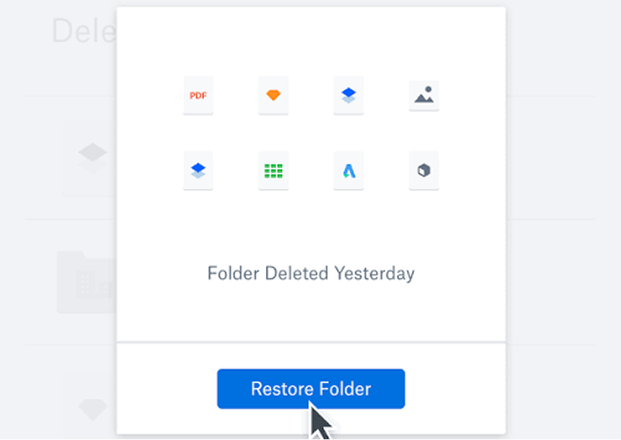
Never worry about accidental deletions or unwanted changes. Dropbox keeps a history of all file versions, allowing you to easily restore previous versions or recover deleted files.
Book a Free Dropbox Consultation
Secure File Sharing & Permissions
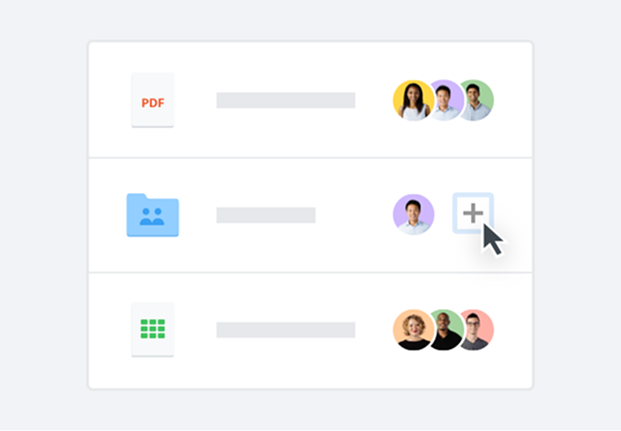
Share files with confidence. Add passwords, set expiry dates and manage download permissions to help keep your business files secure.
Book a Free Dropbox Consultation
Seamless App Integrations
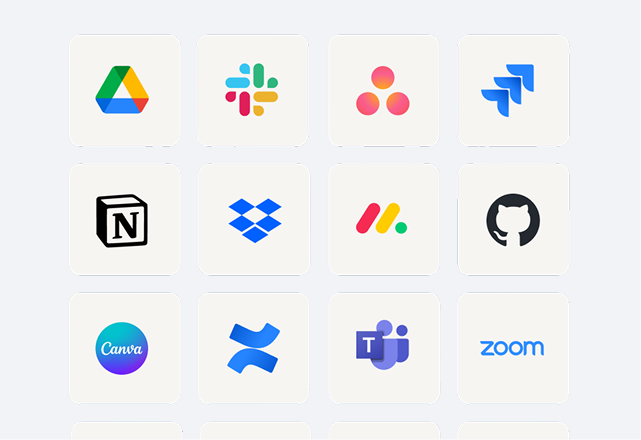
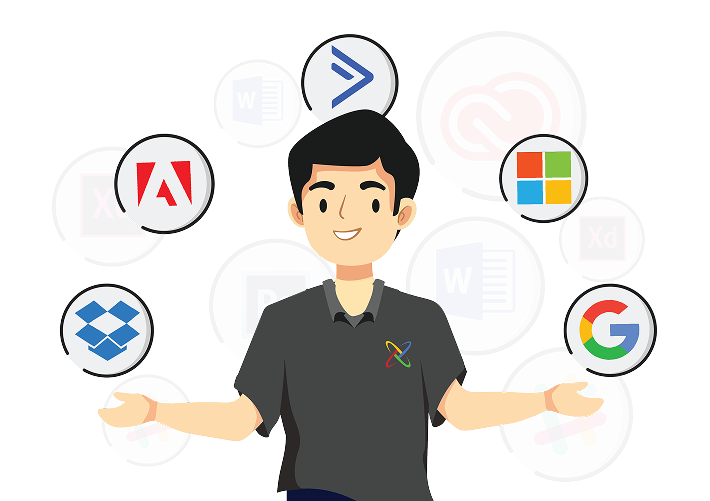
Connect Dropbox with the tools your team already uses. Open, edit and save files easily across your workflow, helping your team work more productively.
Book a Free Dropbox Consultation
Save Device Space
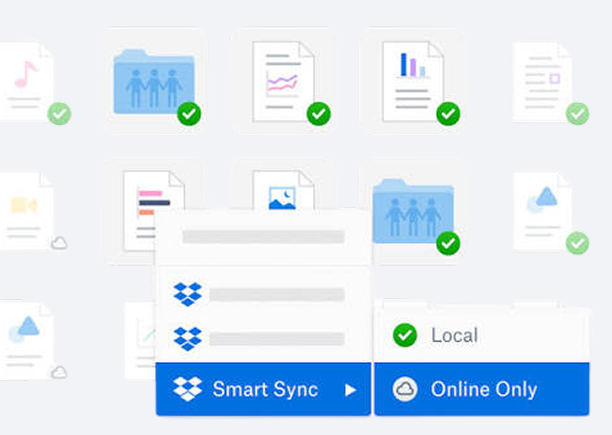
Keep files online-only until you need them, while still seeing everything in Dropbox without taking up storage space on your device. Download only what you need, when you need it.
Book a Free Dropbox Consultation
Version History & File Recovery
Never worry about accidental deletions or unwanted changes. Dropbox keeps a history of all file versions, allowing you to easily restore previous versions or recover deleted files.
Secure File Sharing & Permissions
Share files with confidence. Add passwords, set expiry dates and manage download permissions to help keep your business files secure.
Seamless App Integrations
Connect Dropbox with the tools your team already uses. Open, edit and save files easily across your workflow, helping your team work more productively.
Save Device Space
Keep files online-only until you need them, while still seeing everything in Dropbox without taking up storage space on your device. Download only what you need, when you need it.
Ready to Supercharge Your Team’s Workflow?
Partner with Cyber Edge and get a Free Team Onboarding & Admin Training Session when you deploy Dropbox Business with us. We handle the heavy lifting so you can focus on growing your business.
Achieve More with Cyber Edge
Cyber Edge helps your business choose, deploy, and manage your digital workspace tools with less confusion and less risk.
Curated
Digital Marketplace
Cut through the noise with only the best handpicked solutions. We carefully select and bring you dependable software from diverse categories, saving you valuable time and effort from navigating a multitude of options.
Comprehensive
COTS Framework
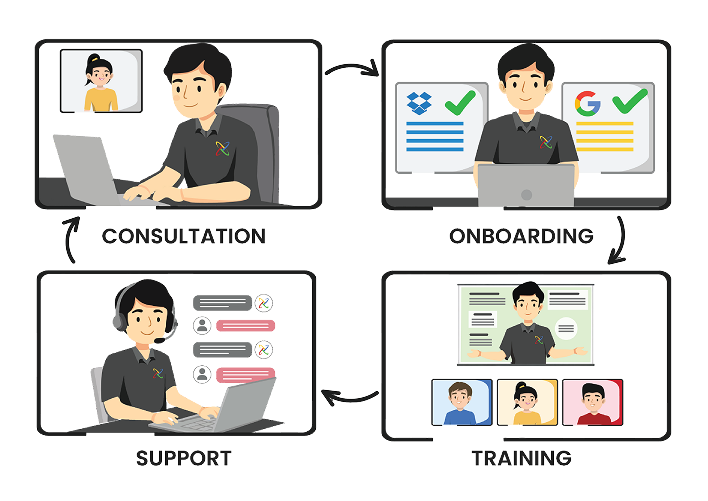
From first call to full rollout, our COTS framework is your complete guide to success. This 4-step approach includes specialized Consultation to start right, seamless Onboarding for quick setup, practical Training for your team, and dedicated Support whenever you have questions.
Centralized
Subcription
Take control of all your software subscriptions from one central dashboard. Manage all your licenses, renewals, and billing in a single platform, giving you clear oversight and saving you administrative hassle.
Cumulative
Rewards Program
As you grow with Cyber Edge, your rewards grow too! Our rewards program allows you to accumulate benefits and exclusive perks over time, ensuring you get increasing value and recognition for choosing us.
Curated Digital Marketplace
Curated
Digital Marketplace
Cut through the noise with only the best handpicked solutions. We carefully select and bring you dependable software from diverse categories, saving you valuable time and effort from navigating a multitude of options.
Comprehensive COTS Framework
Comprehensive
COTS Framework
From first call to full rollout, our COTS framework is your complete guide to success. This 4-step approach includes specialized Consultation to start right, seamless Onboarding for quick setup, practical Training for your team, and dedicated Support whenever you have questions.
Centralized Subscription Management
Centralized
Subscription Management
Take control of all your software subscriptions from one central dashboard. Manage all your licenses, renewals, and billing in a single platform, giving you clear oversight and saving you administrative hassle.
Cumulative Rewards Program
Cumulative
Rewards Program
As you grow with Cyber Edge, your rewards grow too! Our rewards program allows you to accumulate benefits and exclusive perks over time, ensuring you get increasing value and recognition for choosing us.
Why Get Dropbox Through Cyber Edge
Get expert guidance, onboarding support, training, and double support coverage to help your team adopt Dropbox with confidence.
- Pre-Sales Consultation
- Workspace Planning
- Guided Onboarding
- Team Training
- Support Coverage
- Local Billing
- Value-Added Services
- Additional Benefits
Managed by
- Local + Dropbox Support
Direct From
- Dropbox Support
Managed by
Direct from
Pre-Sales Consultation
Workspace Planning
Guided Onboarding
Team Training
Support Coverage
- Local + Dropbox Support
- Dropbox Support
Local Billing
Value-Added Services
Additional Benefits
Supercharge My Team With Dropbox Business
Fill out the form below to connect with our experts. We’ll help you find the right plan and get your team onboarded quickly.
Frequently Asked Questions
FAQ
What is the difference between a personal and a business Dropbox account?
While personal accounts are great for individuals, Dropbox for Business is designed for teams. It offers more storage, enhanced security, and admin tools for managing users and sharing. Business accounts also provide features like file recovery, version history, and real-time collaboration that help teams stay productive.
How secure is Dropbox for my business data?
Dropbox uses multiple layers of security to protect your data. Files are encrypted with AES-256 both while in transit and when at rest on their servers. Business plans offer enhanced security features like multi-factor authentication (MFA), network control, and ransomware detection. You can also set password protection and expiration dates on shared links for extra security. Dropbox also stores redundant copies of data across separate geographic regions and performs regular backups to ensure durability and availability, even during outages. In addition to technical safeguards, Dropbox Business complies with internationally recognised standards like ISO 27001 and SOC 2, and undergoes regular third – party audits. This combination of encryption, redundancy, compliance, and strong access controls makes Dropbox Business a secure platform for managing sensitive company information

Can I migrate my existing files from a server or another cloud service?
Yes, migrating your data to Dropbox is a straightforward process. Your existing files and folder structures can be easily moved. We can guide you through the entire process to ensure a smooth transition with minimal disruption. If you need help, we provide a migration service at an affordable rate to ensure a smooth transition with minimal disruption.

How many users are required for a Dropbox Business plan?
Dropbox Business plans require a minimum of 3 users. However, you don’t have to use all the licenses right away, as they can be reused. Many of our customers reserve extra licenses for future hires or temporary contractors.
Can I share files with external users who don't have Dropbox?
Absolutely. As long as your team admin allows external sharing, you can share files with anyone – even if they don’t have a Dropbox account. Recipients can view or download the files you share without needing to sign up for a Dropbox account. You can also receive files from anyone, whether or not they use Dropbox, and protect shared files with passwords and expiration dates for added security.
Is it possible to recover deleted files?
Yes, Dropbox Business plans have robust file recovery capabilities. Depending on your plan, you can recover deleted files and restore previous versions for up to 365 days or even 10 years with extended version history.

What are some of the key features of Dropbox for Business?
Key features include team folders, advanced admin controls, and the ability to transfer large files up to 100 GB. It also includes tools for PDF editing, electronic signatures, and cloud backup.
Can Dropbox help with regulatory compliance, such as HIPAA or GDPR?
Yes, Dropbox is committed to helping its customers meet regulatory requirements. The service is GDPR compliant and also supports HIPAA compliance. It provides features like audit logs and data classification to help you maintain security and compliance.
What kind of support can I expect from Cyber Edge after purchasing Dropbox?
This is where our COTS framework comes in! We don’t just sell you a license. We provide:
– Consultation: To ensure you choose the right plan.
– Onboarding: To get your team set up smoothly.
– Training: To help your team maximize every feature.
– Support: Ongoing assistance for any questions or issues.
This comprehensive support model is designed to maximize the value you get from your investment.